Using the Plotter
What is the Plotter?
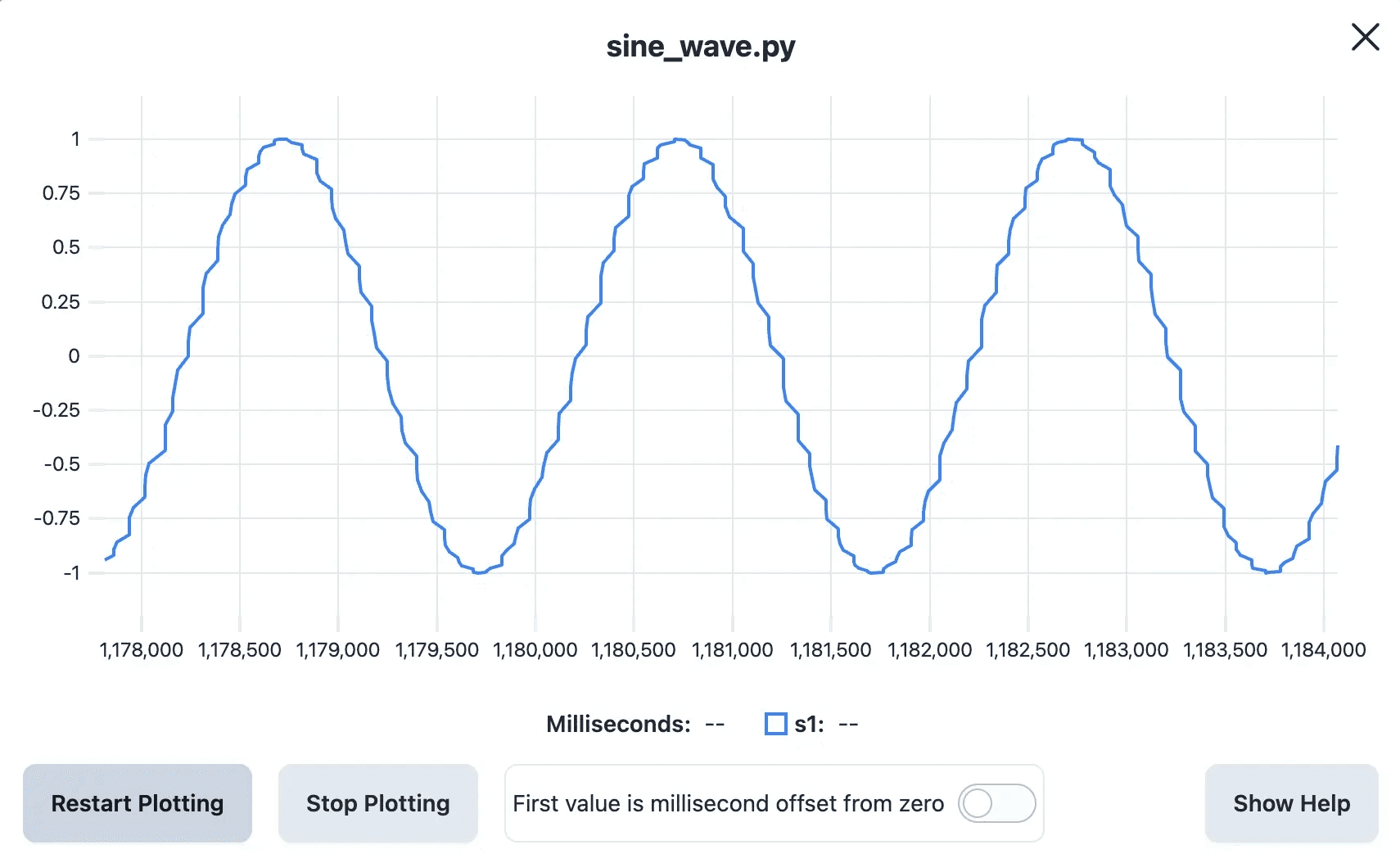
The Plotter is a tool that allows you to view the data from your device plotted on a line graph. For example, let's say you have a sensor monitoring the voltage of a signal that fluctuates over time. You can create a script that reads the value of the sensor on a regular interval, then logs out the value using a print() statement in order to plot the data on a line graph.
It's possible to view multiple values at the same time in the Plotter. Each line that you print will be logged at the same point in time. You can separate each value with a comma, then use a newline to separate each set of values in the time series.
How to use the Plotter
- In your Python code, call
print()with a string containing your data values separate by commas. For example:print(f"{value1:.3f},{value2:.3f},{value3:.3f}") - If there is a line of data where a value is missing, simply omit that value, such as:
print(f"{value1:.3f},,{value3:.3f}"). This will plotvalueandvalue3, but skipvalue2(which will appear as a gap in the line). - Run the file.
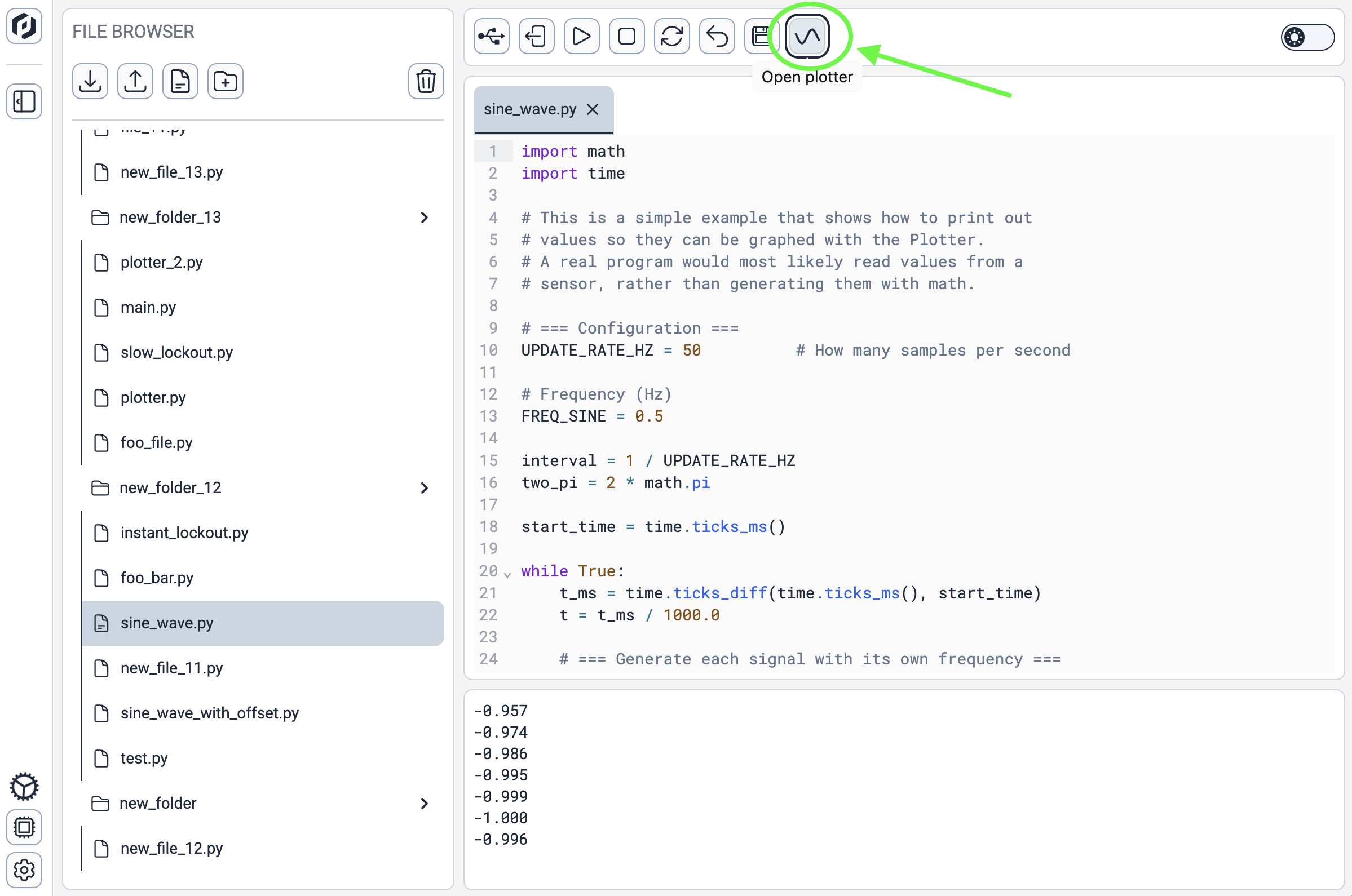
- Open the Plotter dialog:
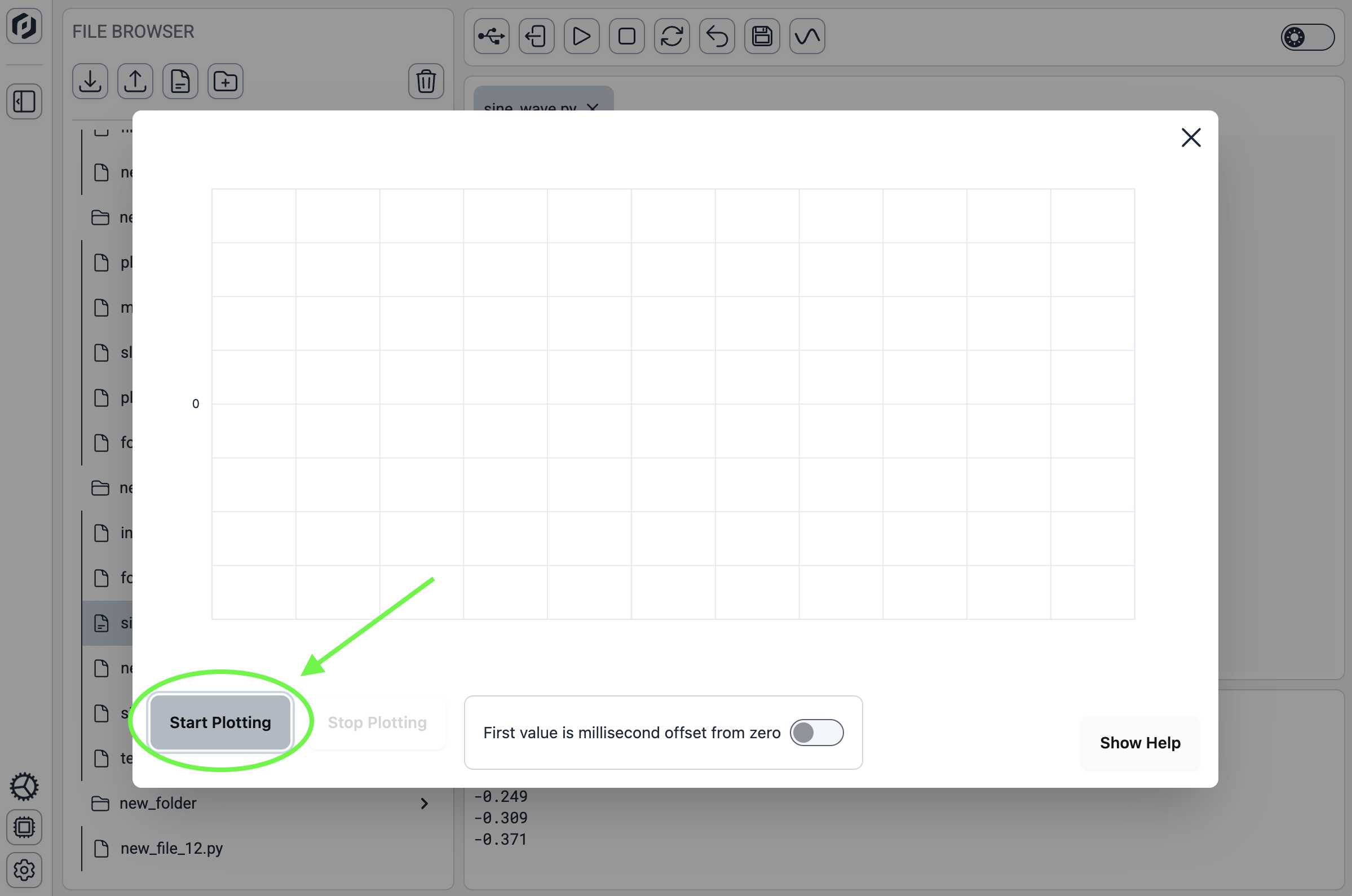
- Click the Start Plotting button:
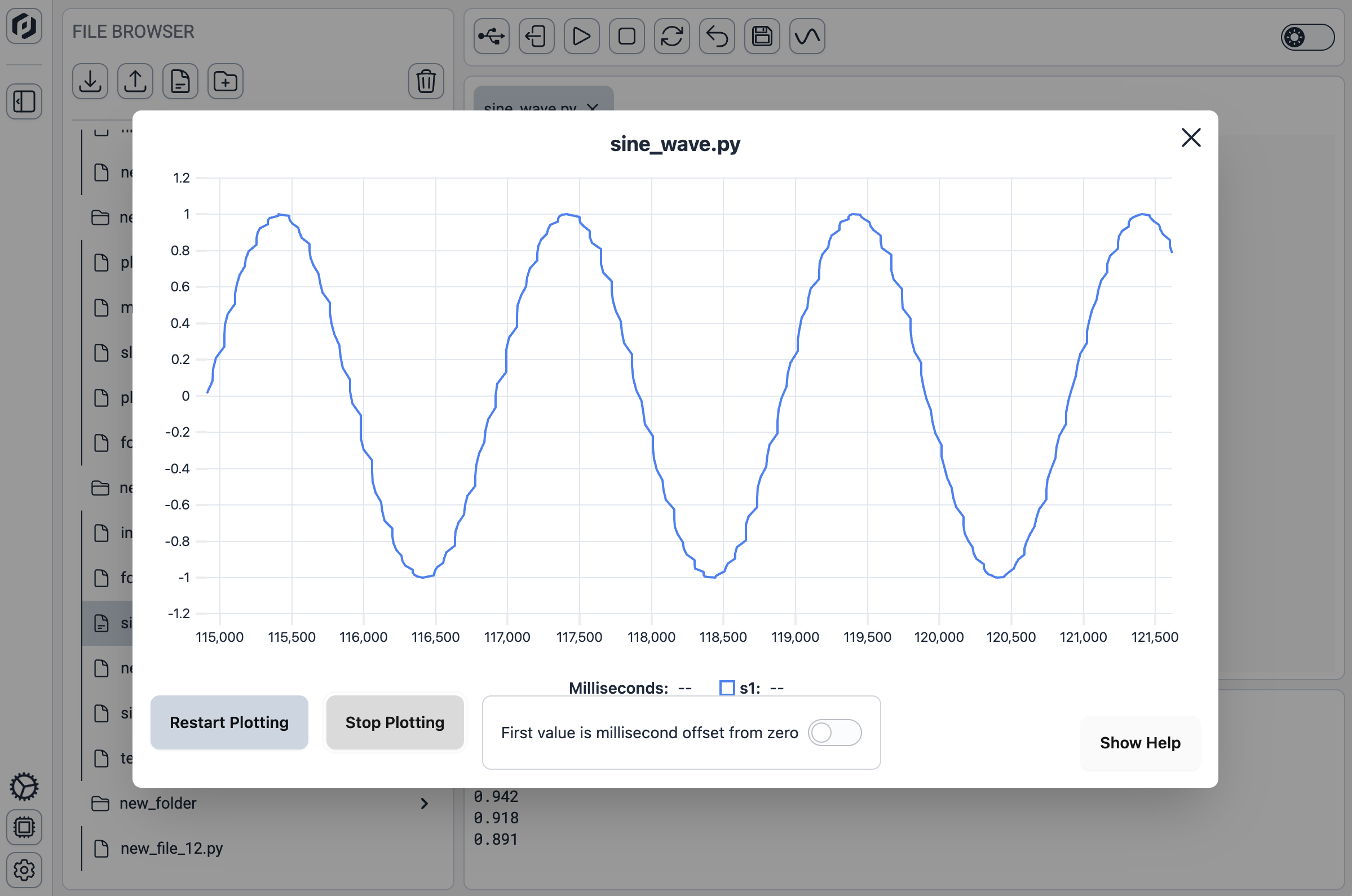
- You can now view a line graph of your data that updates in real time.
Example Scripts
Without millisecond offset from zero as first value
In most cases, you will not need to include any timing information in your print() statements; you can just log the data itself. The timing of each data point is slightly less precise with this method.
Python
import math
import time

# This is a simple example that shows how to print out
# values so they can be graphed with the Plotter.
# A real program would most likely read values from a
# sensor, rather than generating them with math.

# === Configuration ===
UPDATE_RATE_HZ = 50
FREQ_SINE = 0.5

interval = 1 / UPDATE_RATE_HZ
two_pi = 2 * math.pi

start_time = time.ticks_ms()

while True:
    t_ms = time.ticks_diff(time.ticks_ms(), start_time)
    t = t_ms / 1000.0

    sine = math.sin(two_pi * FREQ_SINE * t)

    # === Print values so the Plotter can draw them ===
    print(f"{sine:.3f}")

    time.sleep(interval)
With millisecond offset from zero as first value
When you need more precise timing, include the millisecond offset from zero as the first value and toggle the switch as shown below before you click Start Plotting.
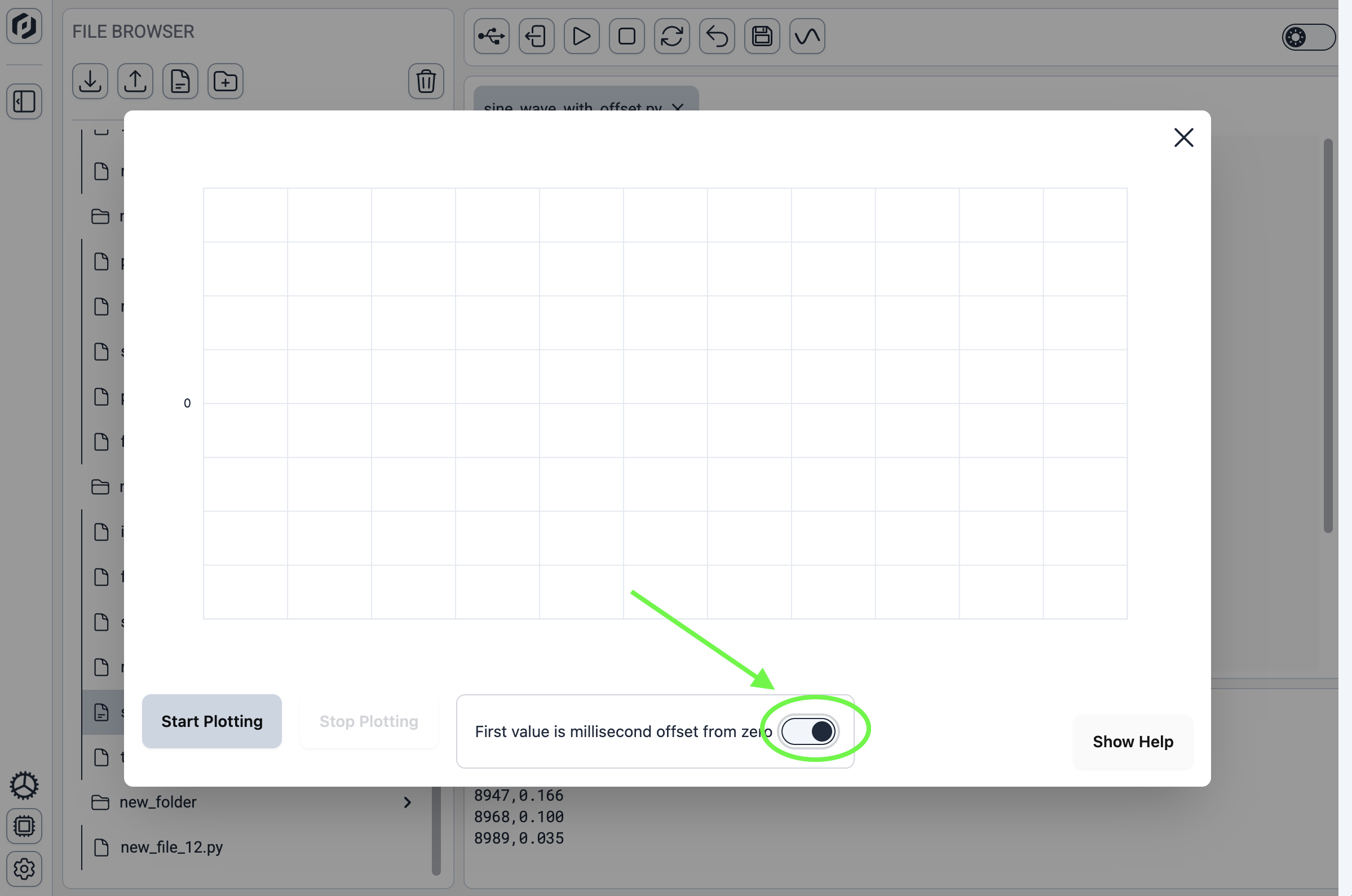
This example scripts shows how to include the millisecond offset as the first value in your print() statement.
Python
import math
import time

# This is a simple example that shows how to print out
# values so they can be graphed with the Plotter.
# A real program would most likely read values from a
# sensor, rather than generating them with math.

# === Configuration ===
UPDATE_RATE_HZ = 50
FREQ_SINE = 0.5

interval = 1 / UPDATE_RATE_HZ
two_pi = 2 * math.pi

start_time = time.ticks_ms()

while True:
    t_ms = time.ticks_diff(time.ticks_ms(), start_time)
    t = t_ms / 1000.0

    # === Generate each signal with its own frequency ===
    sine = math.sin(two_pi * FREQ_SINE * t)

    # === Print to serial ===
    # This time, the first value is the millisecond offset
    # from zero.
    print(f"{t_ms},{sine:.3f}")

    time.sleep(interval)